Kronox
Time tracking for employees
Kronox is the time-tracking app for employees of companies that use Innex, the management platform by INNEBO Ingeniería.

Important: this is a workplace app
To use it, your employer must have registered you and given you an access PIN. Accounts cannot be created from the app.
WHO IT IS FOR
For the staff of companies that use Innex
Your company manages shifts, clock-ins, expenses and payslips in Innex. Kronox gives you access to all of that from your phone: the app links to the account your company has already created for you.
Your company registers you
In Innex, with your employee record. You receive a 6-digit PIN.
You link your phone
Install Kronox, enter the PIN and the device is tied to your account. It is not asked again.
Clock in and check
Entries and exits, shifts, expenses, requests and payslips, always at hand.
HOW TO CLOCK IN
Clock in your way
Four methods, depending on what your workplace has installed. Your company decides which ones are enabled.
QR code
Scan the QR code at your workplace.
GPS location
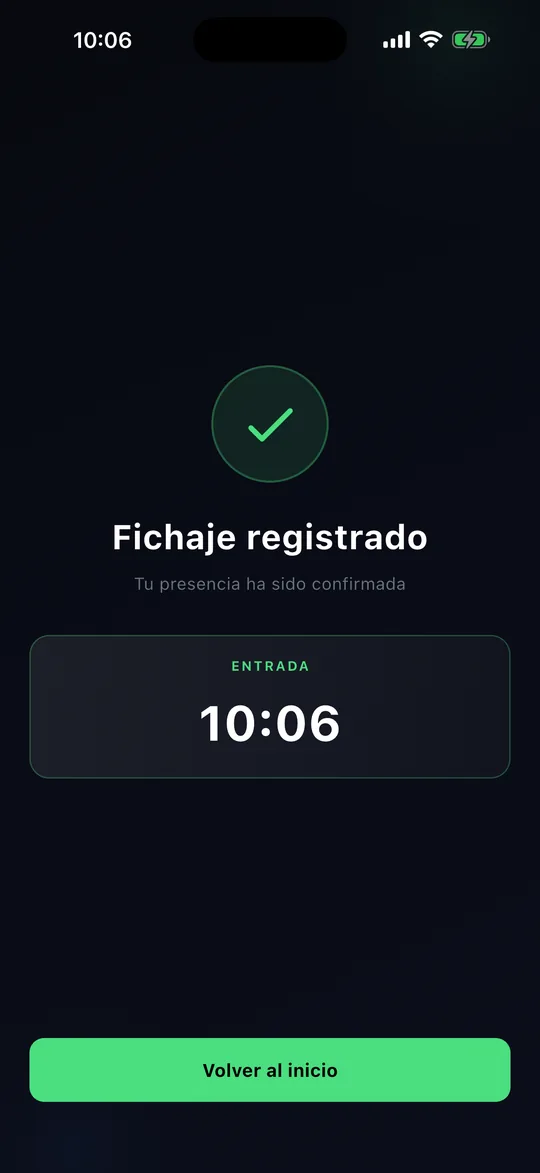
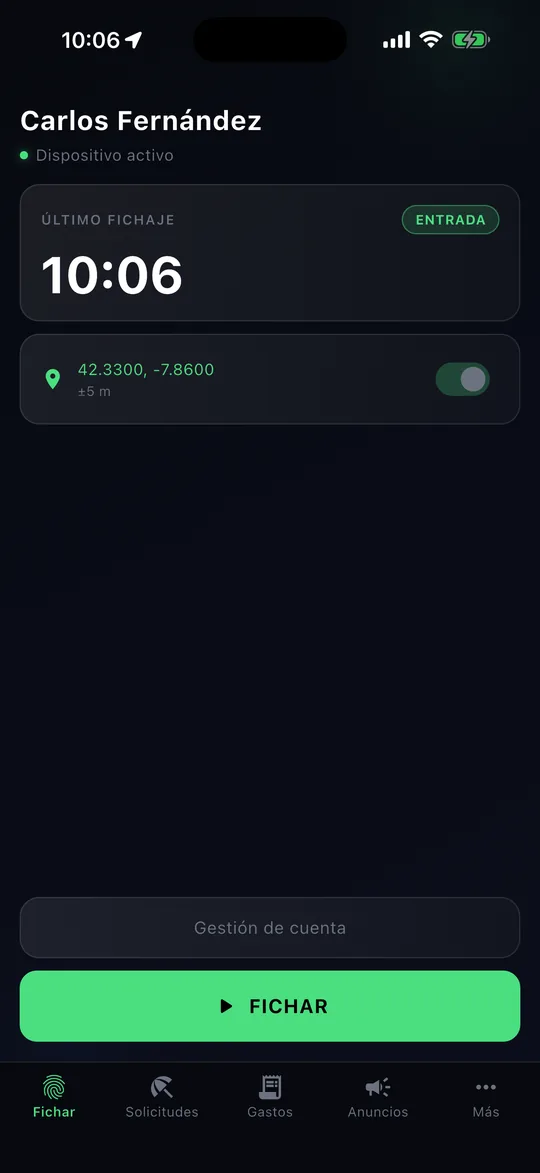
Clock in by location, with verification of where you clocked in. Only at that moment and with the app open.
NFC card
Tap the NFC card linked to your account.
Bluetooth
Automatic detection of your workstation via Bluetooth.
DAY TO DAY
Your whole working day
Last clock-in and shift
See your last clock-in and today's shift at a glance.
Schedule
Review your shift schedule.
Expenses
Log expenses by attaching a photo of the receipt.
Requests
Send holiday and leave requests.
Payslips
Download your payslips as PDF.
Announcements
Receive your company's announcements.
App screens
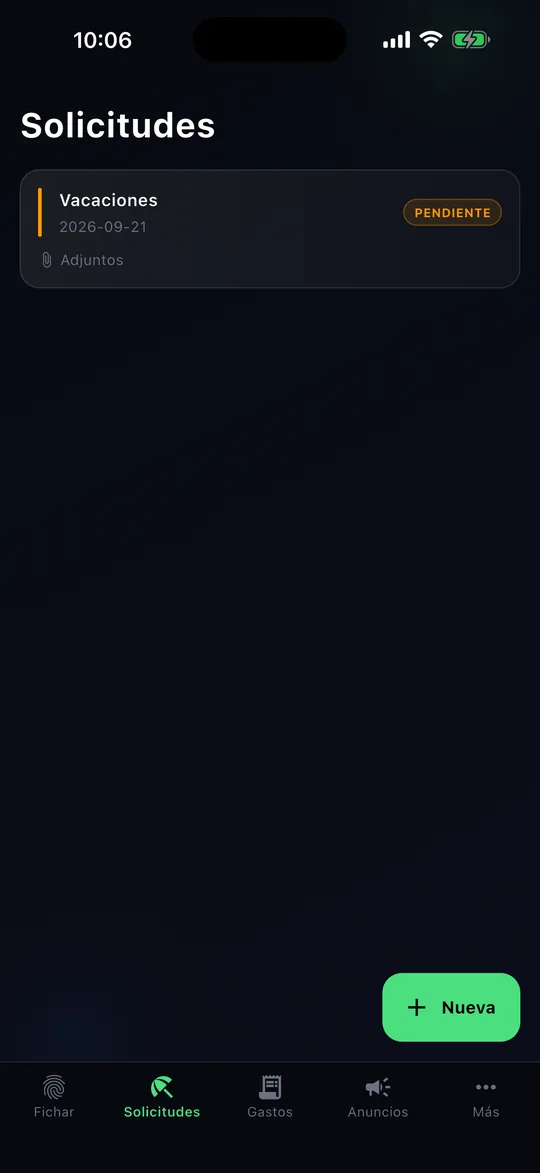
Holiday and leave requests
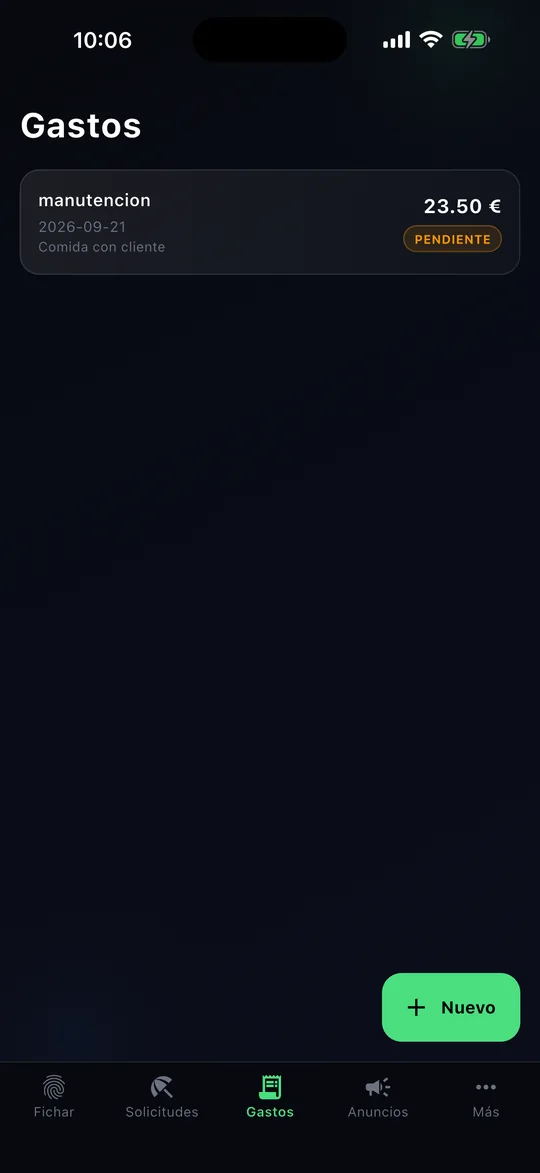
Expense log with receipt
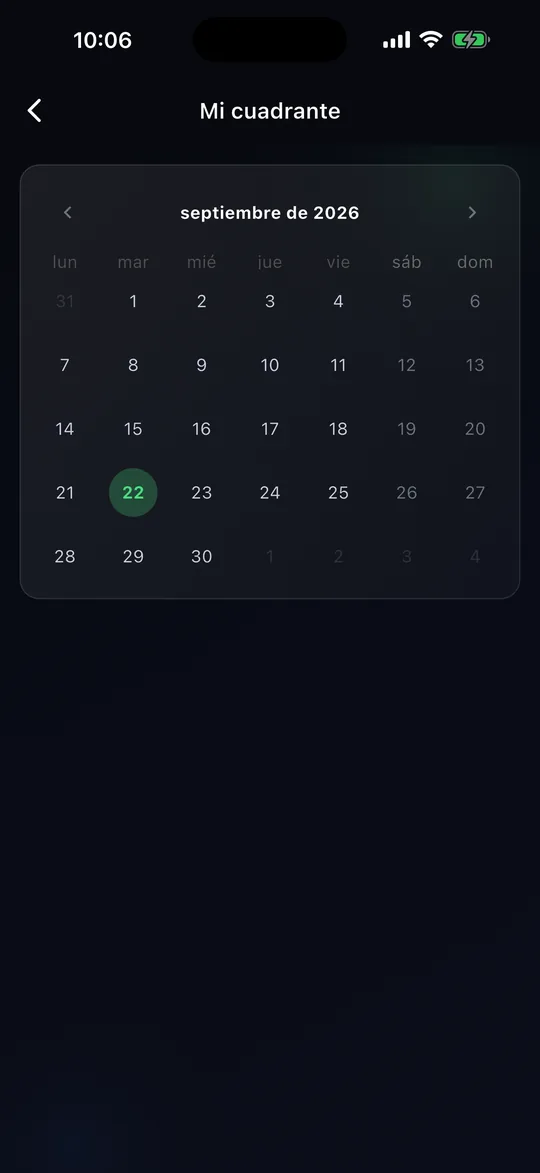
Monthly shift schedule
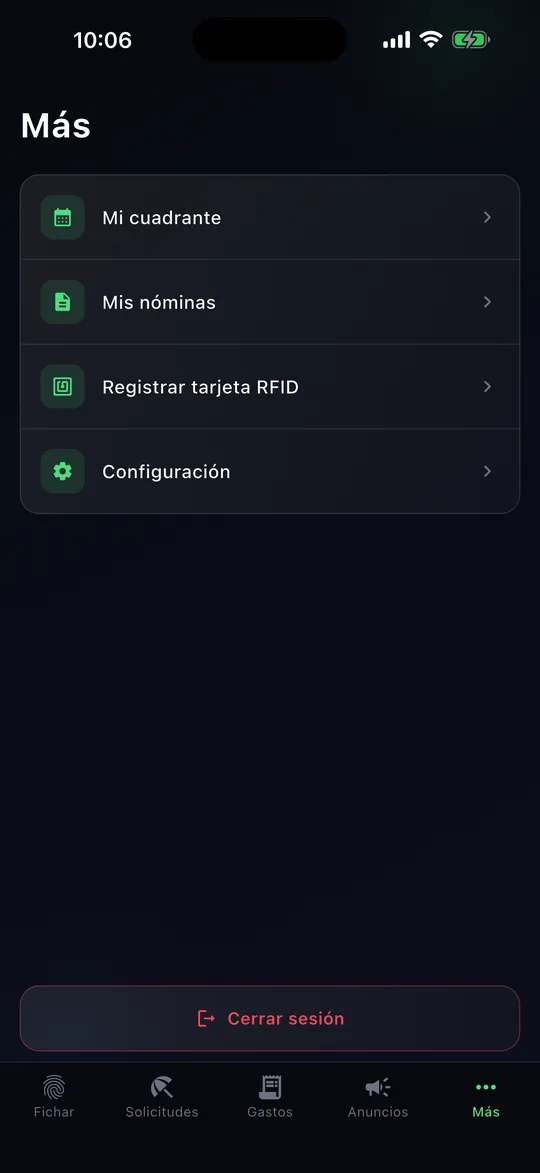
Payslips, RFID card and settings
With your identity protected
Before each clock-in you can confirm your identity with Face ID, Touch ID or your fingerprint. The check is done by your device: Kronox never accesses your biometric data.
Only what is needed, only when you clock in
Kronox only accesses your location at the moment you clock in and with the app open. No background tracking, no ads, no third-party analytics.
CONTACT AND SUPPORT
Need help with Kronox?
Write to us and we will reply. If the issue is with your registration, your PIN or your data (shifts, payslips, clock-ins), your company is the first stop: it manages your account in Innex.
- Support email
- administracion@innebo.es
- Developer
- INNEBO Ingeniería S.L.
- Address
- Lugar Penedo 74, San Cibrao das Viñas, 32910 Ourense (España)
FREQUENTLY ASKED QUESTIONS
I have no PIN or it does not work
The PIN is generated by your company from Innex. Ask whoever manages staff.
I changed my phone
Install Kronox on the new device and ask your company for a linking PIN.
It will not let me clock in
Check that you have a connection and, if you clock in by location, that GPS is on. If it still fails, write to us stating your company.
I want to delete my data
Follow the steps in the data deletion section of the privacy policy.
 Kronox is developed by INNEBO Ingeniería S.L.
Apple and the Apple logo are trademarks of Apple Inc. App Store is a service mark of Apple Inc. Google Play and the Google Play logo are trademarks of Google LLC.